.webp&w=128&q=75)
Introduction
What is WP-Next? 🤔
WP-Next (WordPress-Next) is a sleek, fast, and fully customizable blog frontend powered by Next.js and Tailwind CSS — all backed by the WordPress REST API. If you're looking for a modern blog that loads like lightning ⚡ but still gives you the power of WordPress, you've just found your new best friend!
Why use WP-Next? 🏆
Let's face it — WordPress is fantastic, but its default themes can sometimes feel… outdated. WP-Next brings speed, flexibility, and beauty together for the perfect blogging experience. Whether you're a developer, writer, or entrepreneur, WP-Next ensures your blog is as stunning as your content!
Who developed WP-Next? 🏗️
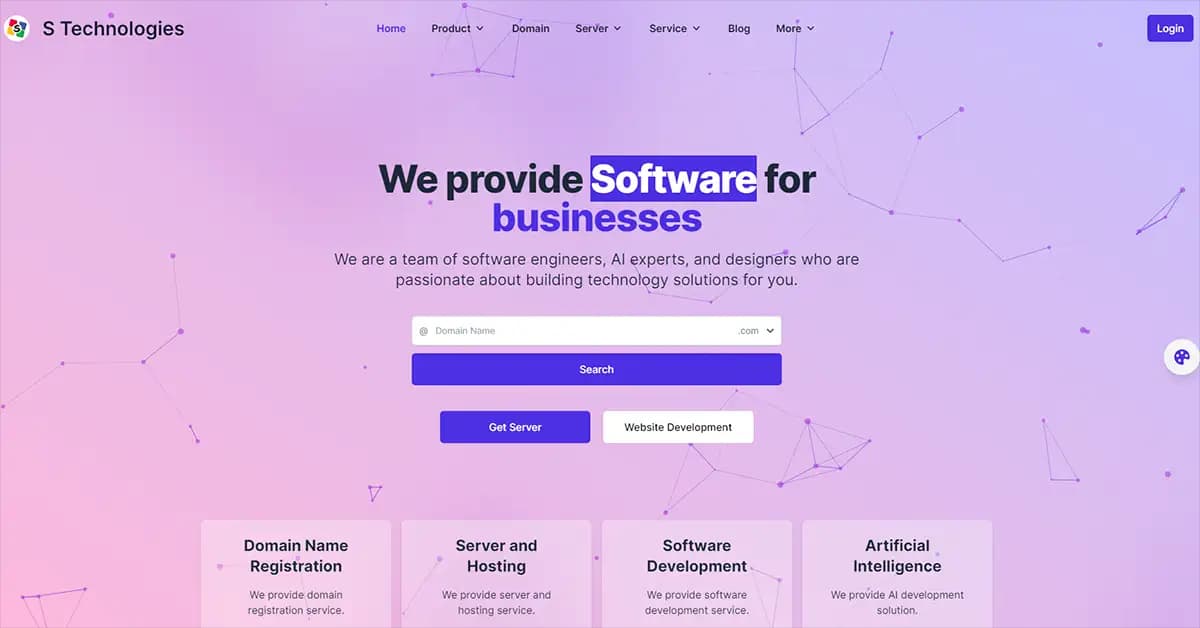
WP-Next is proudly developed by S Technologies, a research-based tech company in Bangladesh. With a passion for AI, web development, and open-source projects, they've created WP-Next as a free, open-source solution for bloggers and developers alike!
Key features ✨
🌟 Feature | 🚀 Benefit |
|---|---|
Fully responsive 📱 | Looks stunning on all devices |
SEO-friendly 🔍 | Optimized for search engines to boost your rankings |
Light and dark mode 🌞🌙 | Choose your preferred theme effortlessly |
Super fast loading ⚡ | Built with Next.js for ultimate speed |
Google Analytics 📊 | Track your traffic with ease |
Sitemap and robots.txt 📄 | Boosts SEO with proper indexing |
Image optimization 🖼️ | Lazy loading for faster performance |
Powered by WordPress 📝 | All the WordPress features with a modern frontend |
And guess what? It's 100% free and open source! 🎉
Installation guide 🛠️
🏗️ System requirements
- Node.js >= 18
- Next.js >= 14
- Tailwind CSS >= 3
- WordPress >= 5.7
- WordPress REST API enabled
🚀 Step-by-step installation
1️⃣ Clone the repository
git clone github.com/STechBD/WP-Next.git2️⃣ Install dependencies
npm install3️⃣ Configure your setup — modify wp-next.config.js to match your WordPress site.
4️⃣ Set up environment variables — create a .env file and modify it like this:
DOMAIN=wp-next.stechbd.net
SITE=https://wp-next.stechbd.net
API=https://exampleapi.com/wp-json/wp/v2
GA=True
GA_TRACKING_ID=G-XXXXXXXXXX
IMAGE_DOMAINS=example.com,example.net,gravatar.com
ROBOTS_ALLOW=/
ROBOTS_DISALLOW=/admin,/login
5️⃣ Run WP-Next in development mode
npm run dev6️⃣ Build and start in production
npm run build
npm run start
7️⃣ Visit your blog and enjoy! 🎉 Open http://localhost:3000 and see your stunning blog in action.
How to use WP-Next 📖
📝 Creating and managing posts
Since WP-Next is powered by the WordPress REST API, all content is managed directly in your WordPress dashboard.
- Log in to your WordPress admin panel.
- Create a new post under Posts → Add New.
- Add categories, tags, and a featured image.
- Publish, and it will automatically appear on WP-Next.
💡 Pro tip: use the "Excerpt" section in WordPress to control the summary displayed on the homepage.
Customization 🎨
🌈 Changing colors and fonts
All styles are handled by Tailwind CSS, so you can easily modify them in tailwind.config.js.
module.exports = {
  theme: {
    extend: {
      colors: {
        primary: "#1e40af", // Change primary color here
      },
      fontFamily: {
        sans: ["Inter", "sans-serif"], // Update fonts
      },
    },
  },
};
🎭 Light/dark mode
WP-Next supports automatic dark mode using Tailwind's dark: classes. If you want to force dark mode, update the theme setting in globals.css.
🖼️ Custom logo and favicon
Replace the default logo in public/ with your own files — /public/logo.png and /public/favicon.ico — or edit components/Navbar.js to load a different logo dynamically.
🏗️ Editing layout
You can modify the blog layout in pages/index.js or tweak individual post layouts in components/Post.js.
SEO optimization 🔍
✅ Optimizing meta tags
Edit components/SEO.js to modify default meta tags. WP-Next automatically pulls SEO metadata from WordPress, but you can add more structured data.
<Head>
  <title>{post.title.rendered} - My Blog</title>
  <meta name="description" content={post.excerpt.rendered} />
  <meta property="og:title" content={post.title.rendered} />
  <meta property="og:image" content={post.featured_image} />
</Head>
📍 Adding Google Analytics
Enable Google Analytics by setting your tracking ID in .env:
GA=True
GA_TRACKING_ID=G-XXXXXXXXXX
🗺️ Generating a sitemap
WP-Next automatically generates an XML sitemap using sitemap.js. Just run npm run sitemap.
🚫 Controlling robots.txt
Modify robots.txt rules in .env:
ROBOTS_ALLOW=/
ROBOTS_DISALLOW=/admin,/login
Performance enhancements ⚡
🏎️ Image optimization
Use Next.js's built-in <Image> component to enable lazy loading and automatic compression:
import Image from "next/image";

<Image
  src={post.featured_image}
  alt={post.title.rendered}
  width={800}
  height={450}
  priority={false} // Lazy load images
/>
🚀 Enabling caching
Improve performance with Next.js API caching. Modify next.config.js to increase cache duration:
module.exports = {
  async headers() {
    return [
      {
        source: "/(.*).json",
        headers: [{ key: "Cache-Control", value: "public, max-age=86400" }],
      },
    ];
  },
};
🌍 Deploying with Vercel
Vercel is the best way to deploy WP-Next:
vercel login
vercel deploy
Advanced features 🚀
🔗 Dynamic routing for SEO-friendly URLs
WP-Next automatically generates SEO-friendly URLs for your posts and pages using dynamic routes in pages/[slug].js.
export async function getServerSideProps({ params }) {
  const res = await fetch(`https://news.ulkaa.com/wp-json/wp/v2/posts?slug=${params.slug}`);
  const post = await res.json();
  return { props: { post: post[0] } };
}
This ensures that every blog post gets its own clean, shareable URL.
🏷️ Categories and tags filtering
WP-Next supports category-based filtering for easy content discovery. Add category-based navigation by modifying pages/category/[category].js.
const res = await fetch(`https://news.ulkaa.com/wp-json/wp/v2/posts?categories=${categoryId}`);📢 Social media auto-sharing
WP-Next integrates social sharing buttons so visitors can easily share articles on Facebook, Twitter, and WhatsApp.
<a href={`https://twitter.com/intent/tweet?url=${post.link}`} target="_blank">
  Share on Twitter
</a>
🔍 Instant search
WP-Next includes lightning-fast search powered by Next.js API routes. You can improve it further using Algolia InstantSearch for a real-time experience.
const res = await fetch(`https://news.ulkaa.com/wp-json/wp/v2/search?search=${query}`);Security best practices 🔐
🛡️ Enable HTTPS
Always use HTTPS when hosting WP-Next. If deploying on Vercel, SSL is enabled by default. Otherwise, configure Nginx:
server {
    listen 443 ssl;
    server_name yourdomain.com;
    ssl_certificate /etc/letsencrypt/live/yourdomain.com/fullchain.pem;
    ssl_certificate_key /etc/letsencrypt/live/yourdomain.com/privkey.pem;
}
🔑 Secure API keys
Never expose your API keys in frontend code. Use environment variables instead:
NEXT_PUBLIC_API_BASE=https://news.ulkaa.com/wp-json🛑 Prevent brute force attacks
Limit login attempts to protect against brute force attacks. If your WordPress site is behind WP-Next, install a security plugin like Wordfence.
🏰 Protect against XSS and CSRF
WP-Next automatically escapes user inputs, but you should also use security headers in next.config.js:
module.exports = {
  async headers() {
    return [
      {
        source: "/(.*)",
        headers: [
          { key: "X-Frame-Options", value: "DENY" },
          { key: "X-XSS-Protection", value: "1; mode=block" },
        ],
      },
    ];
  },
};
Future roadmap 🚀
- Multilingual support 🌍 — add support for multiple languages
- PWA support 📱 — enable offline access and push notifications
- Custom theme builder 🎨 — full UI customization with a drag-and-drop editor
- Newsletter integration ✉️ — a built-in email subscription system
Why choose WP-Next? 🤔
⚡ Blazing fast
- Next.js SSR and ISR for fast page loads
- Image optimization reduces bandwidth usage
- Static and dynamic rendering for best performance
🔒 Secure and scalable
- Headless WordPress — no direct database exposure
- API-based content fetching — minimal attack surface
- CDN and caching support — handles high traffic loads
🎨 Fully customizable
- Dark mode and custom styling
- Modify layouts easily
- Control SEO and meta tags
🆓 Free and open source
WP-Next is 100% open source, meaning you can tweak it to your needs and contribute to its growth.
🔗 Try WP-Next today and build a powerful, modern blog!
.webp&w=256&q=75)